Best Webinar Software: What I Learned Hosting 1,000s of Webinars
I've hosted 1,000s of webinars and worked with SaaS companies using webinars for growth, GTM, onboarding, and demand generation. Here's what actually matters when choosing webinar software in 2026.

Introduction
Most "best webinar software" lists out there are generic comparison articles written by people who have never actually hosted webinars at scale.
After hosting 1,000s of webinars and building Univid, I've learned that most teams choose webinar software based on the wrong criteria.
The biggest mistake I see when choosing webinar software
After running webinars for +5 years myself, as well as talking to 1000s of marketers rolling out their webinar strategies, the biggest mistake I see companies make is treating webinars like larger meetings.
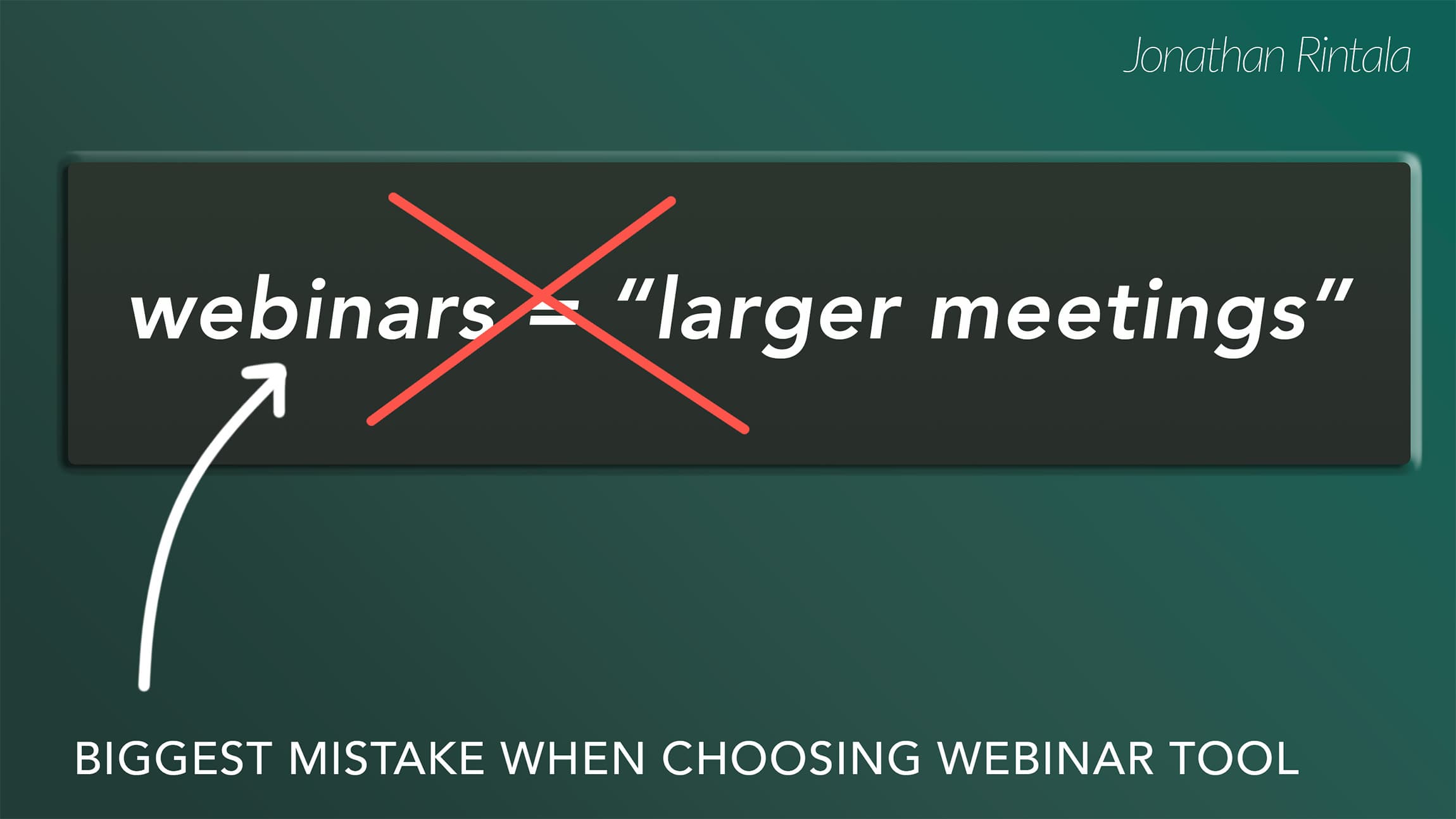
It means way too many organizations are hosting their webinars in their everyday meeting software, and as an extended, larger version of an everyday meeting. This causes a few things to happen:
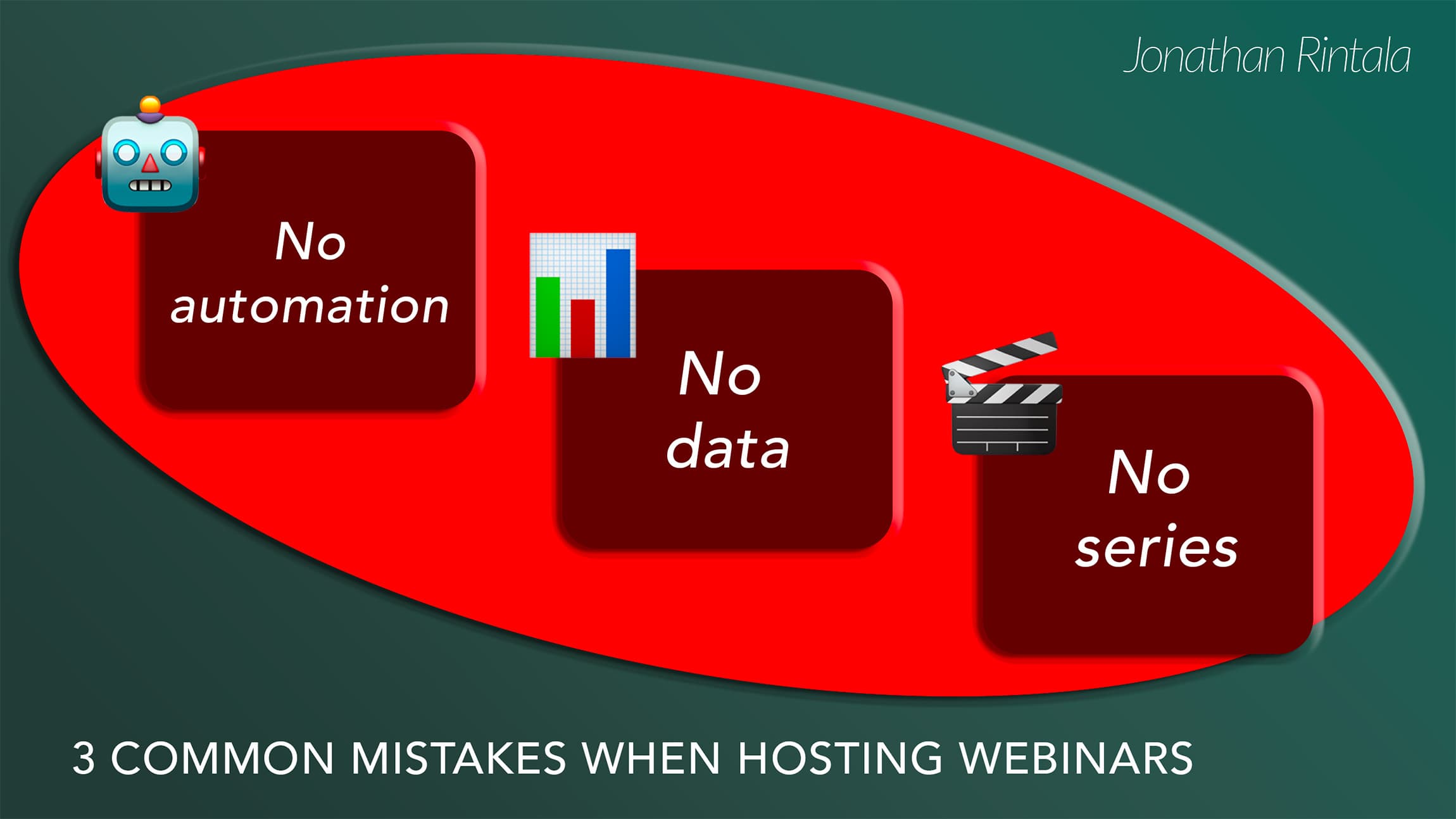
1. No webinar automation
Consequence: Their marketing team is burning out because of all the manual admin
A webinar with more than 20 people registering involves a lot of potentially time-consuming tasks:
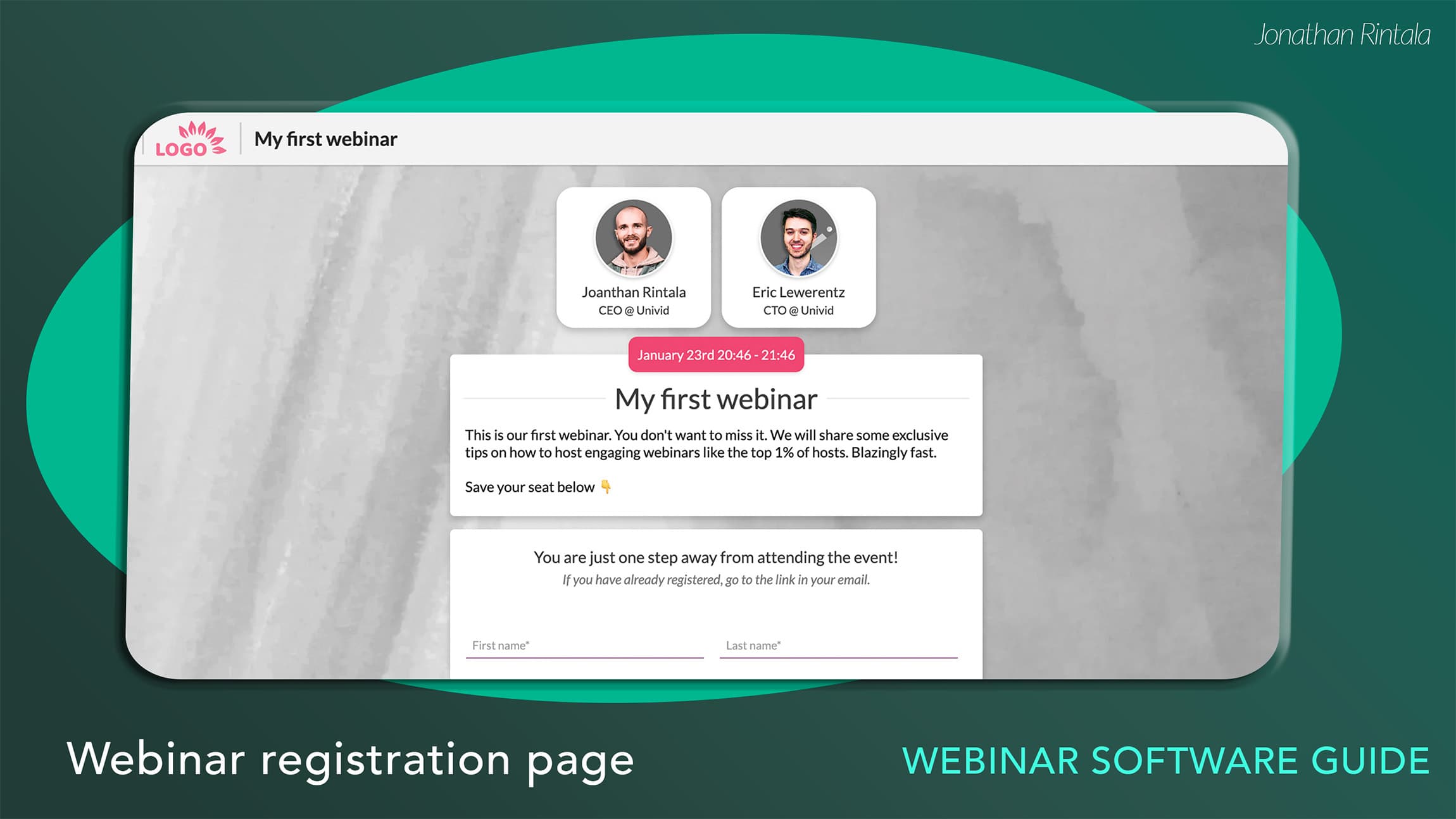
getting people to attend - registration pages, driving traffic to those, sending email invites, confirmations, reminders, follow-up, with calendar links, etc, and convincing attendees on why they need to download yet another application.
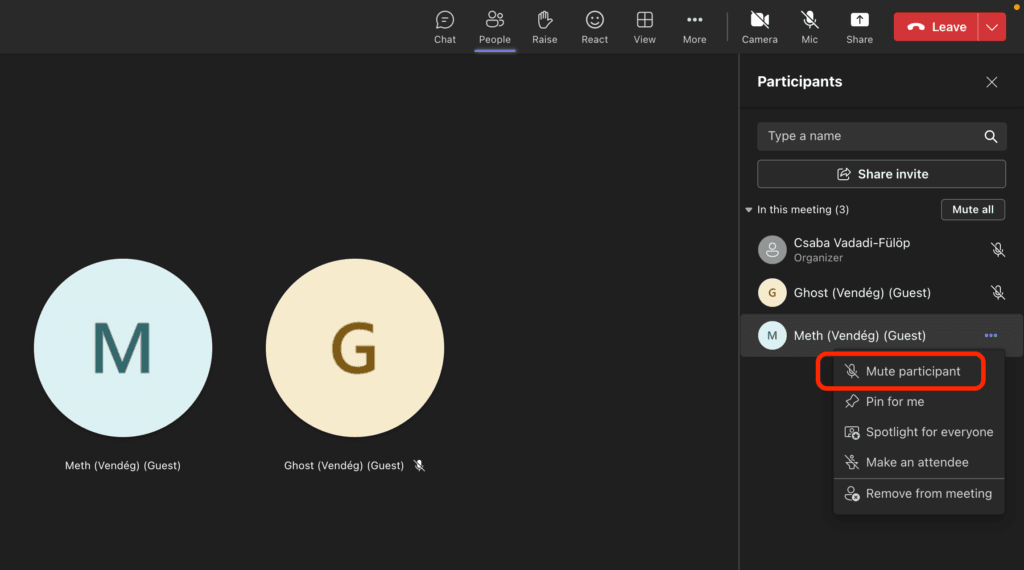
running the live webinar - removing attendees who unmuted themselves, juggling guest speakers and presentations, driving next steps, and at the same time, creating a smooth, engaging, and memorable attendee experience
following up with the right communication - editing the recording, sending the on-demand link out, segmenting out who attended/not, sorting out the hot leads based on engagement, and understanding the outcome.
Well, as a result of this:
2. No webinar data
Consequence: They are not hitting their KPIs, or data is not available.
The company is not achieving the webinar goals they expect - whether it's the MQL quotas or the number of qualified leads.
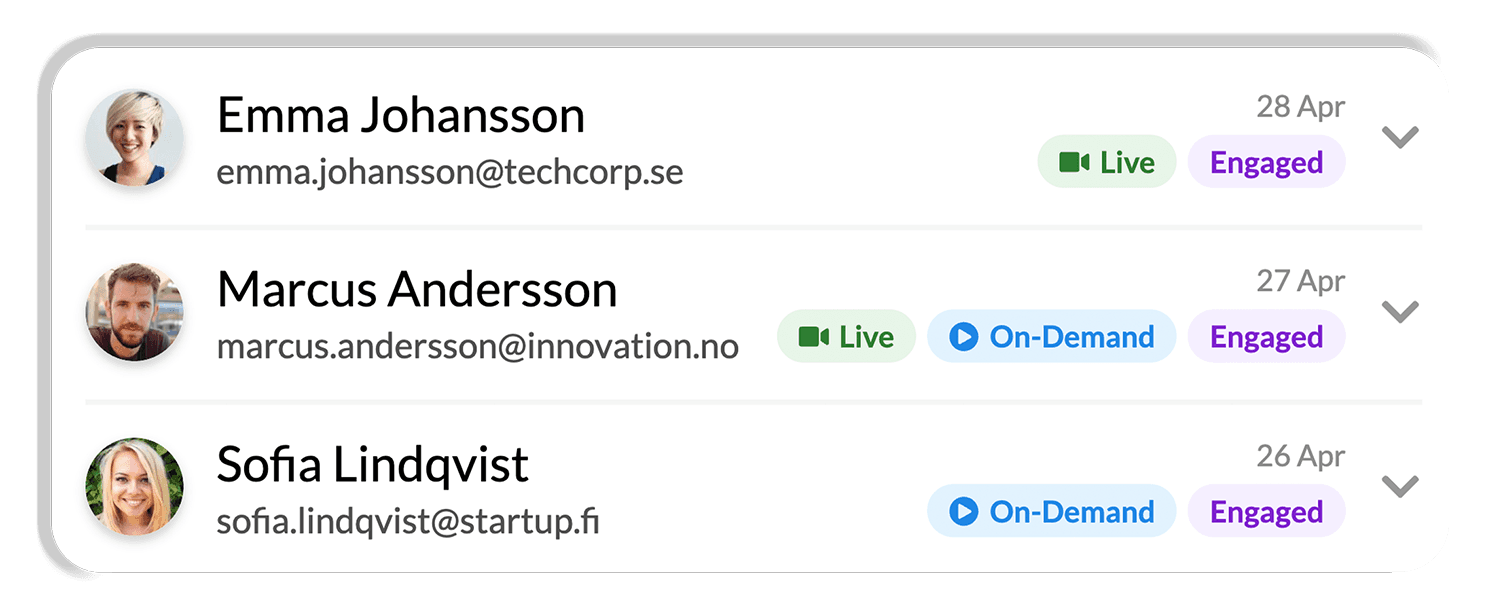
And many times, the outcome is not even measured in the first place - who attended, how they engaged, or if it moved the needle (no CRM integration, no personal links, no tracking).
3. No repeatable webinar playbook
Consequence: No momentum or synergies between webinars.
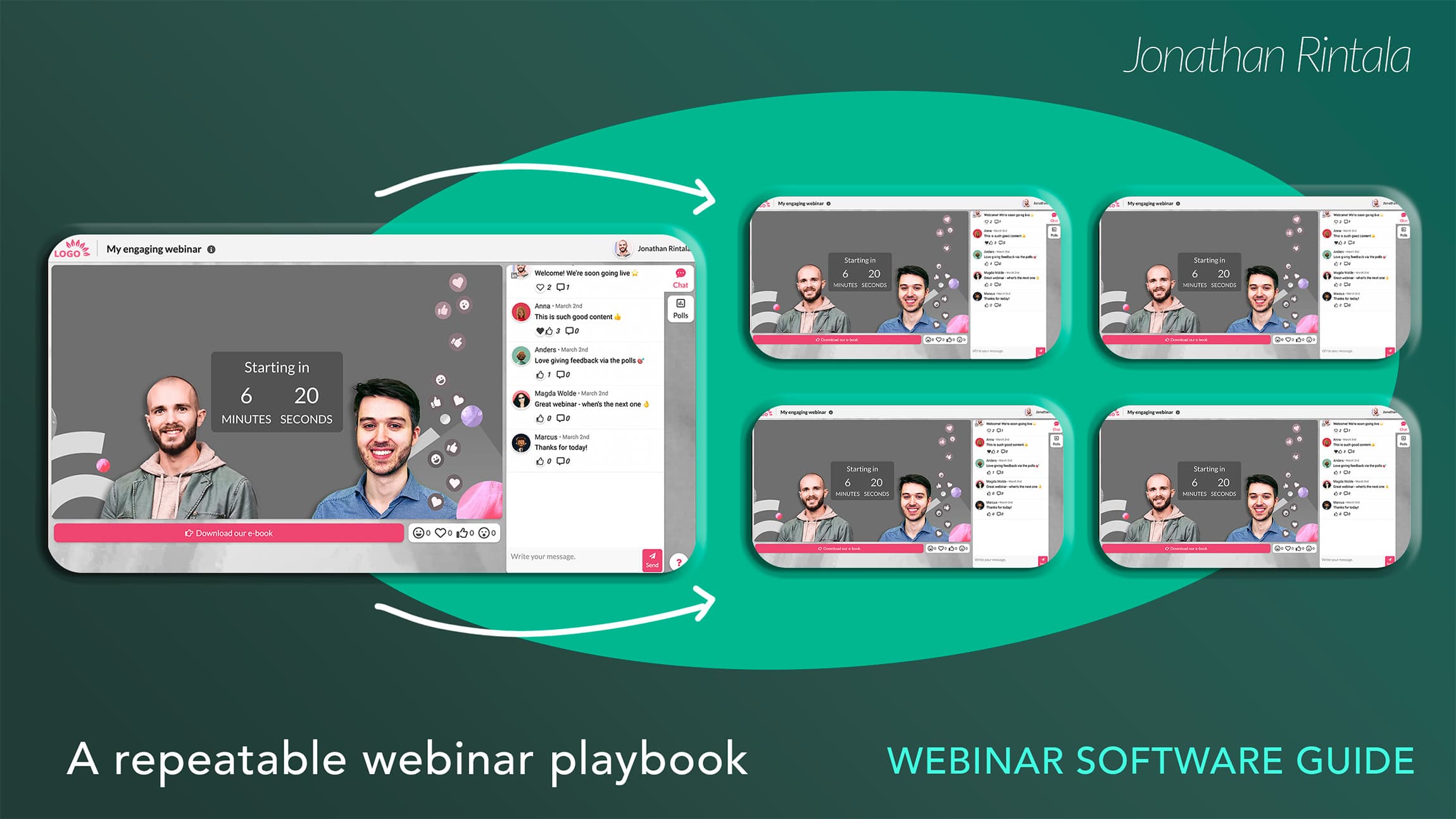
It's a painful process setting up a new webinar every single time, as they:
don't have a repeatable way to set the webinars up
don't use templates
have a complex tool that relies on a single person knowing it all
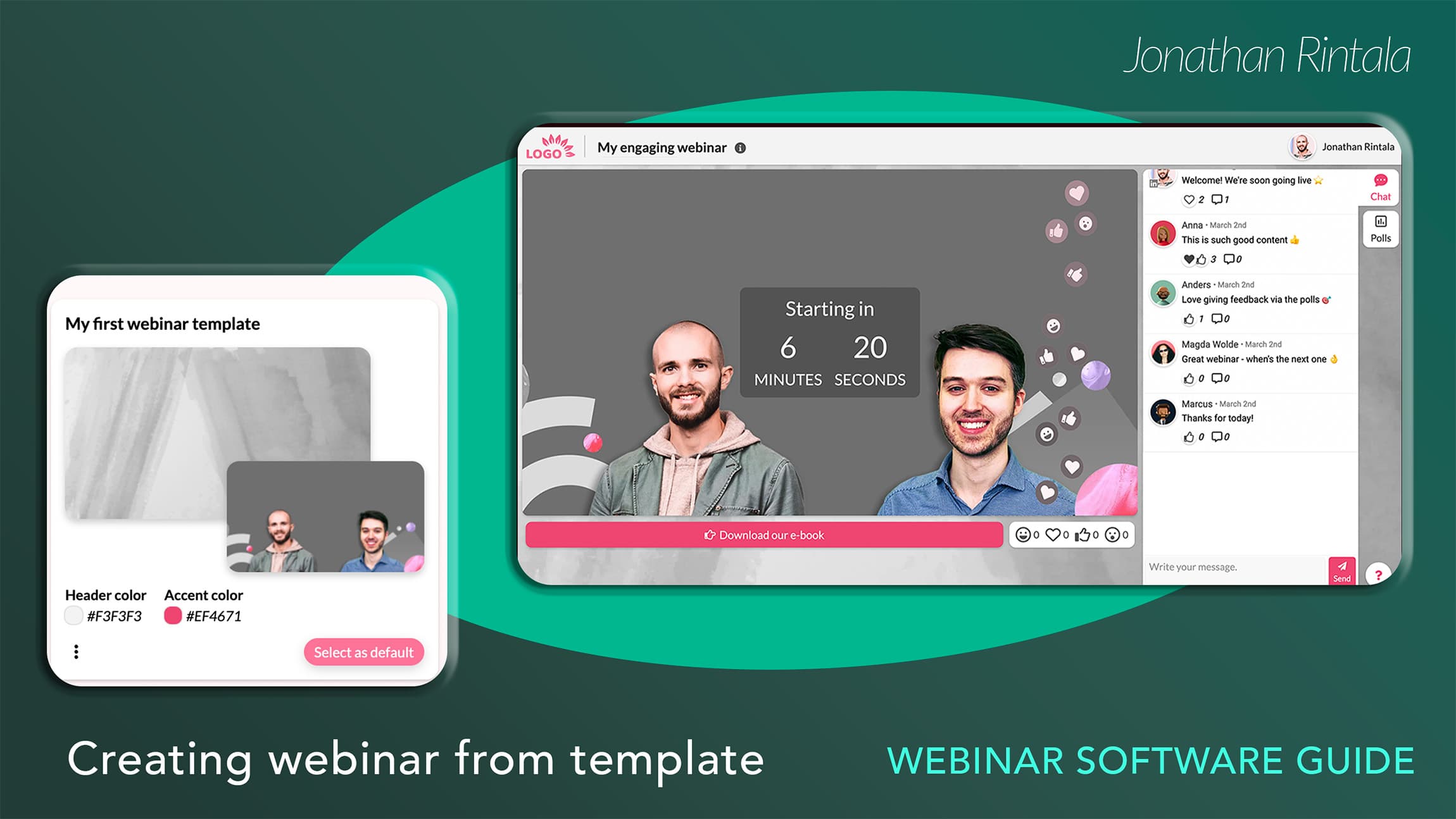
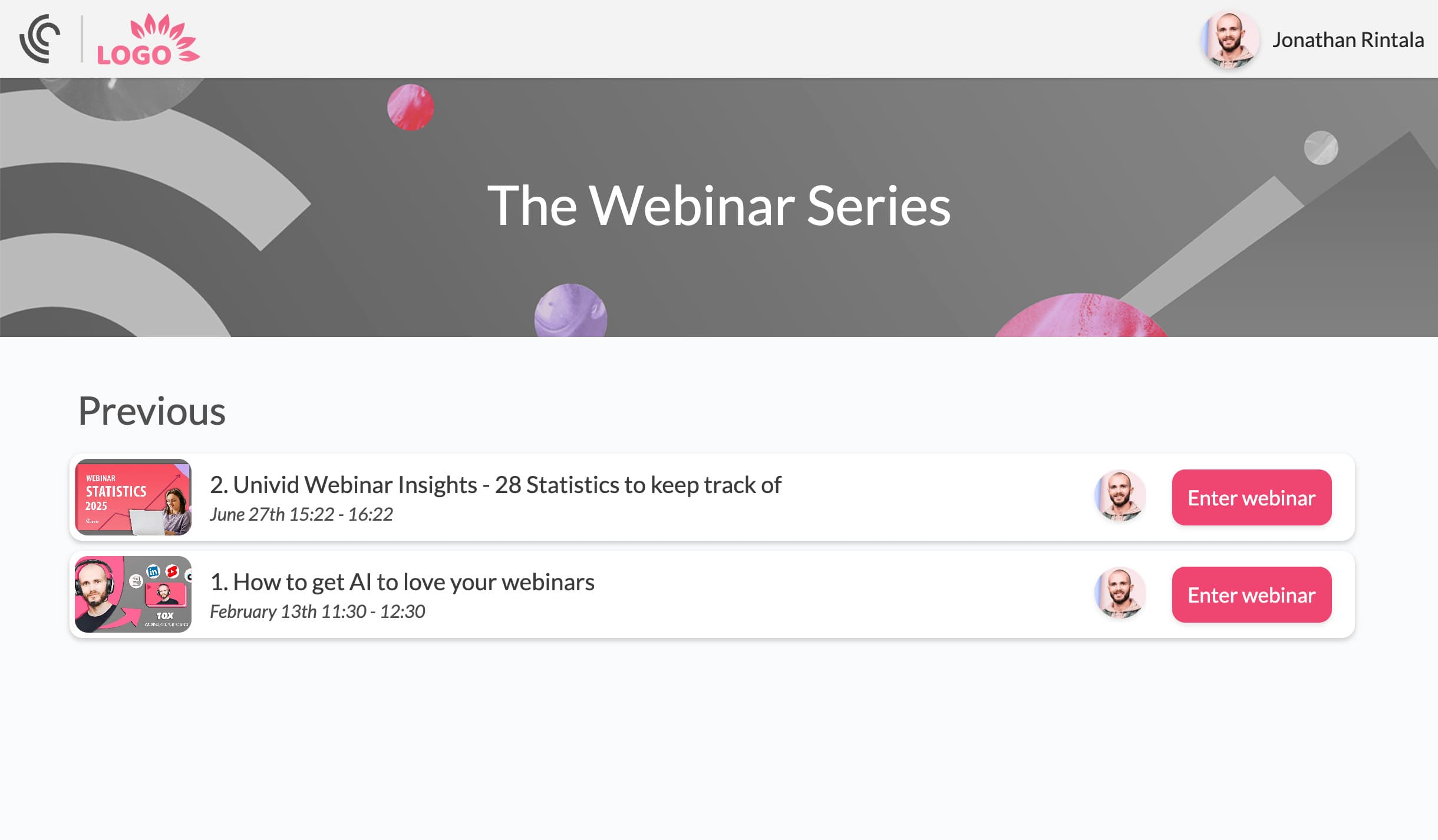
Typically, they don't plan out in terms of webinar series, so there is no momentum and synergies between webinars.
If you’re new to webinars, I'd also recommend reading my guide on how to host a webinar in 2026, where I break down the full webinar from start to finish (based on experience and analyzed webinar data from 325K+ attendees).
The best webinar software depends on your goals
Modern webinars are no longer just live presentations on Zoom-style platforms. For many SaaS companies, webinars have become a deep part of their GTM motion, or growth channel to upsell existing customers
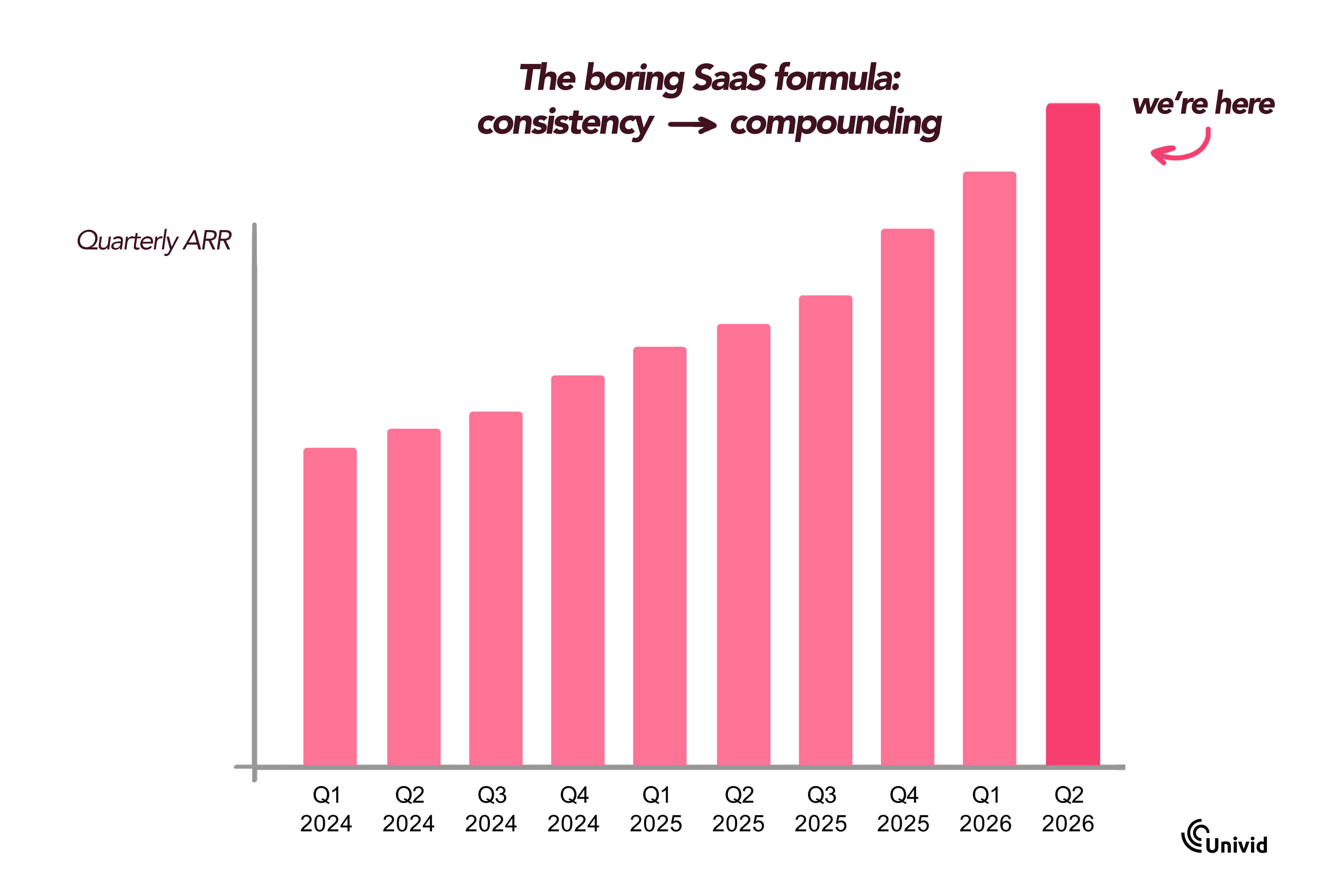
But the business goals or SaaS KPI:s you aim to move with the webinars heavily impact what to look for in a webinar platform. And what will be the best option for your business.
So first, understand your main webinar objective, whether it's:
build awareness, trust, and thought leadership
generate leads and demand
penetrate a specific new market or segment
run demos and educate around your product
onboard new customers
That changes what actually matters when choosing a webinar platform.
Choosing a webinar tool: The key 4 things to look for
After hosting 1,000s of webinars, I've found that four factors matter far more than feature comparison tables.
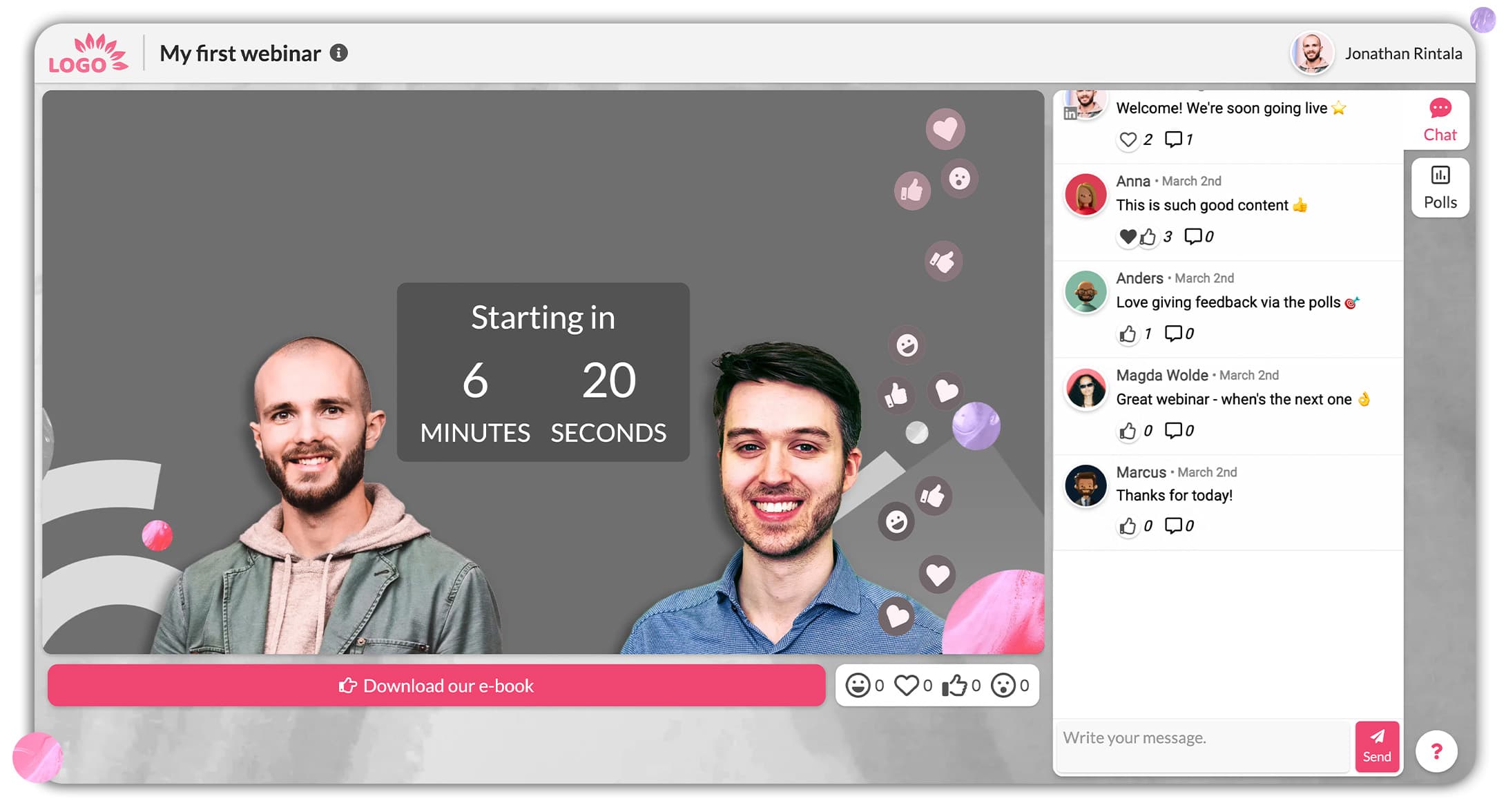
In my experience, the most important things are usually not attendee limits or stacking up the most features. Instead, for 90% of companies out there, the biggest impact comes from:
1. ✅ Ease of use
Goal: easy to collaborate. Not "feeling new every time".
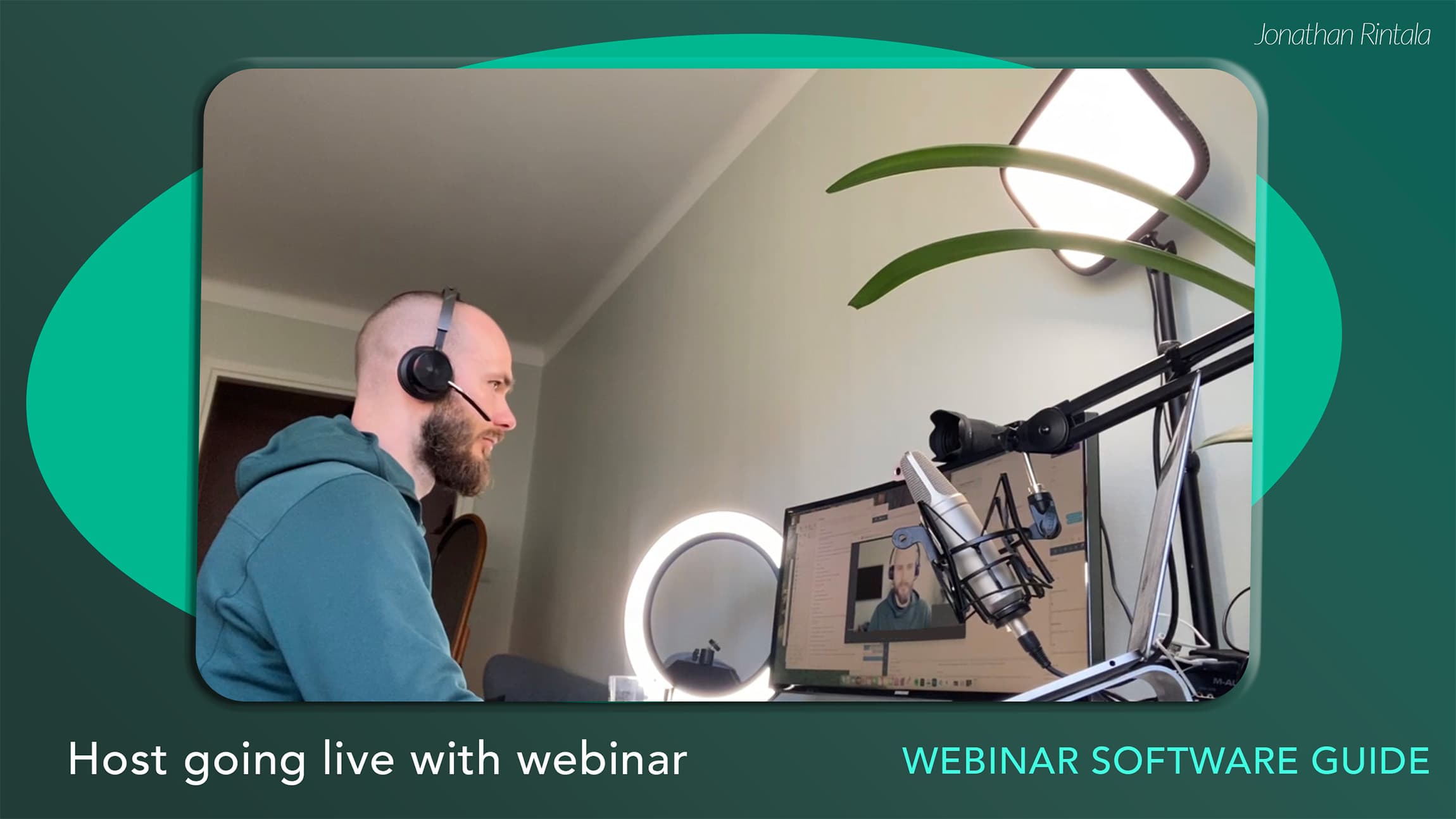
Easy collaborating with hosts, guest speakers, colleagues, moderators, records automatically, easy to go live and engage without losing focus.
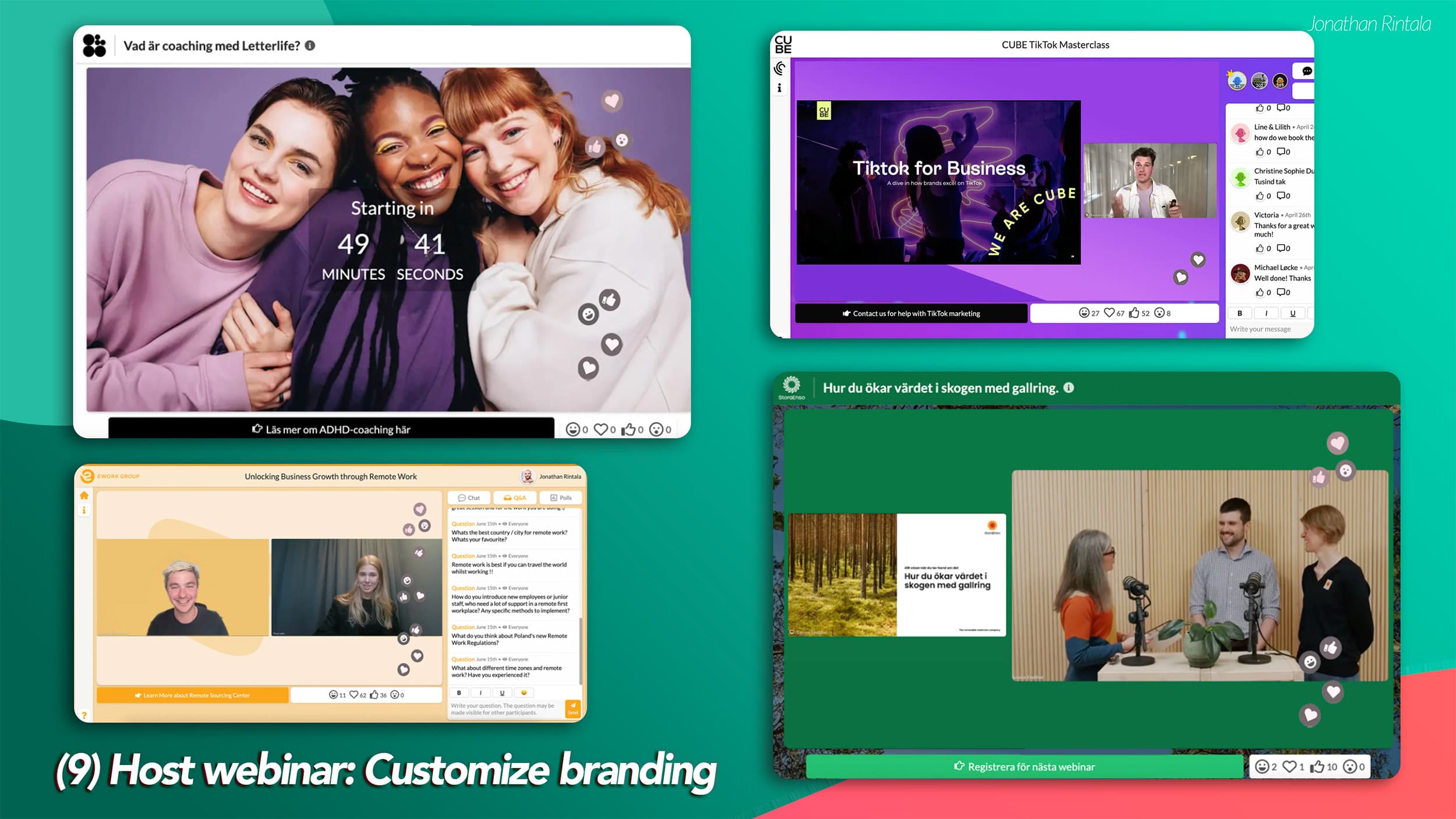
2. ✅ Attendee experience
Goal: branded, professional, conversion-driven.
It should be easy to join as an attendee - no downloads or additional steps. You want a browser-based webinar platform with nice reminders that have "add to calendar" buttons, and that is optimized to join easily with one click.
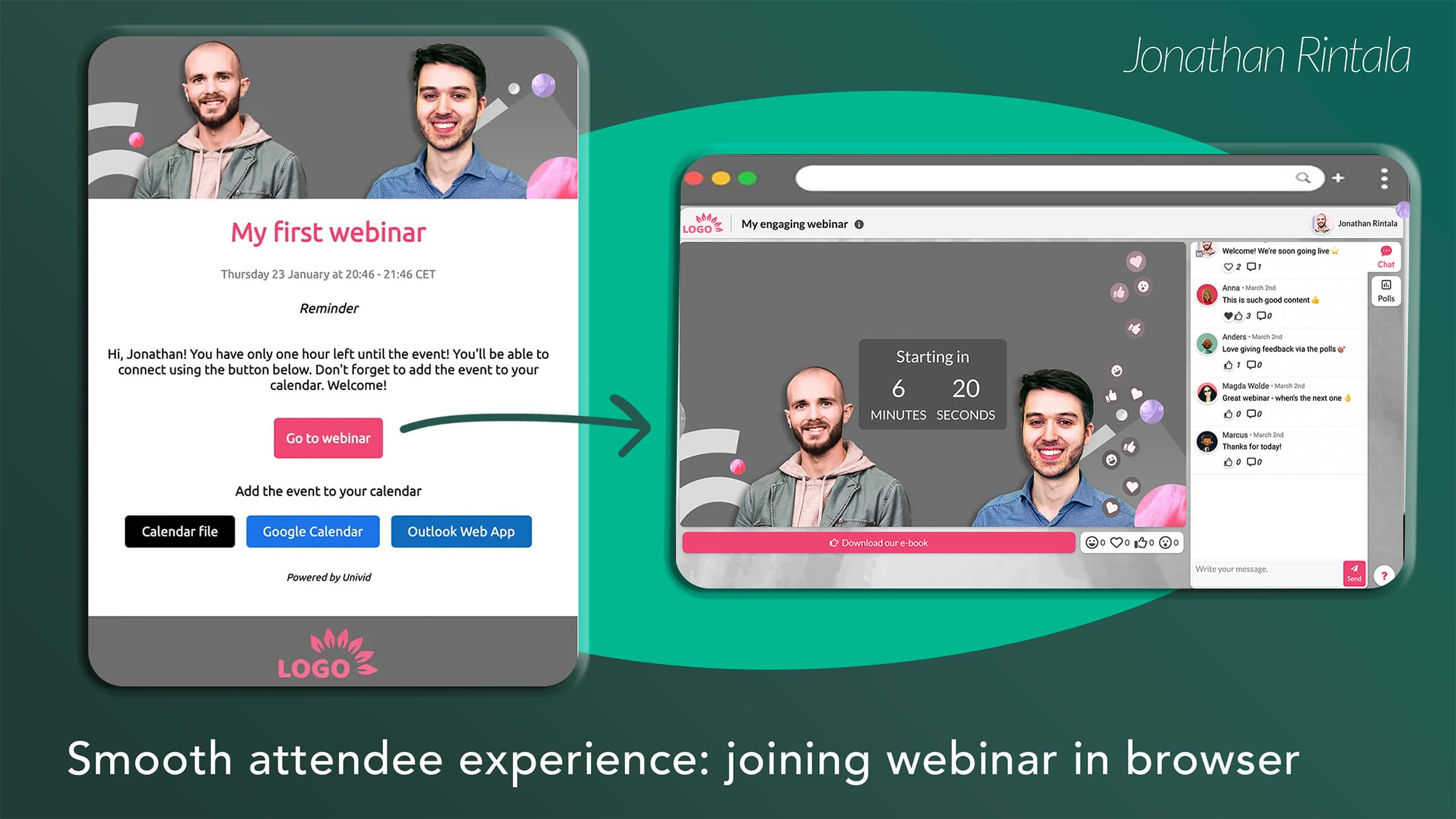
Going into the live session where the webinar takes place. Typically, with a countdown setting expectations.
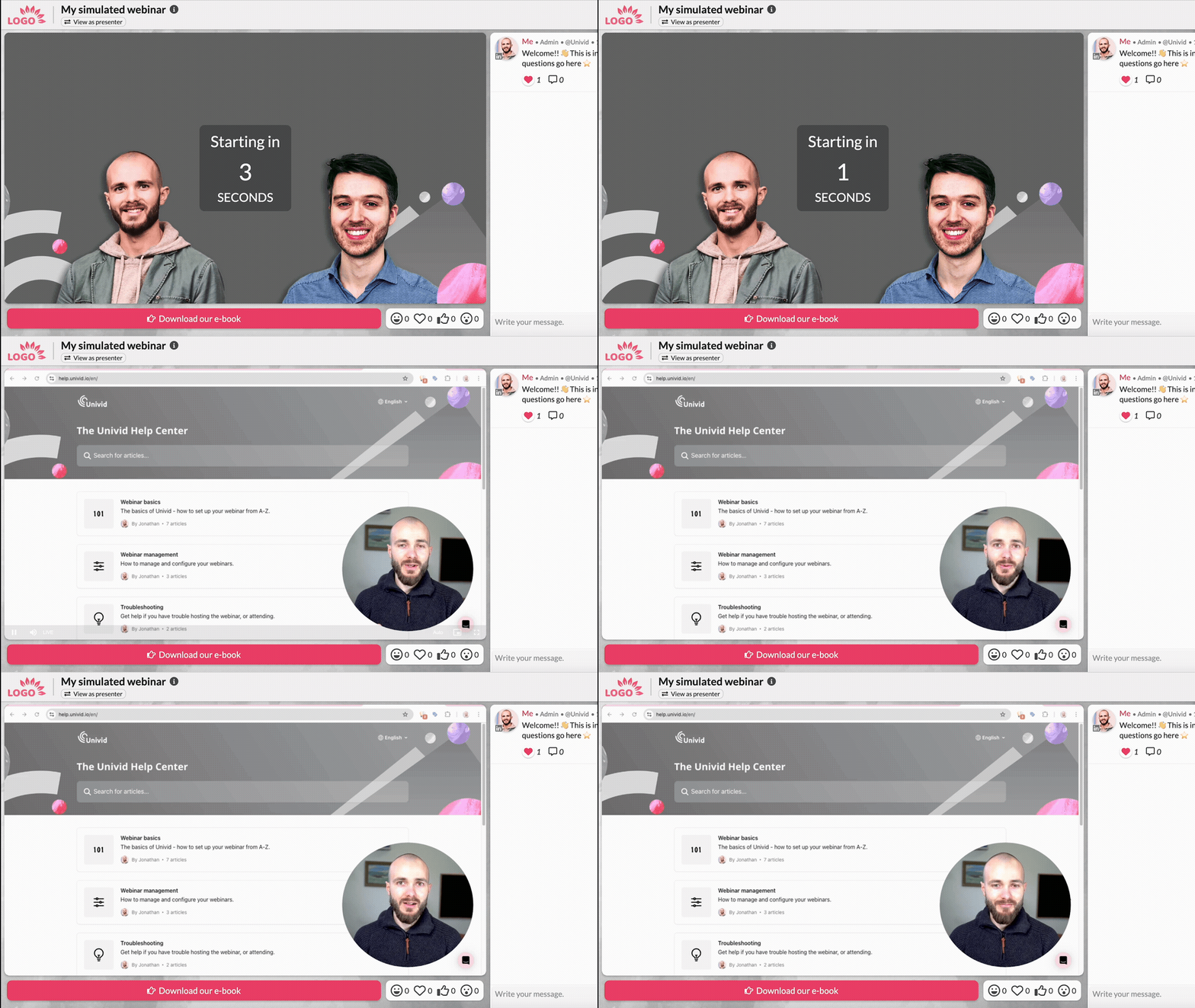
And branding matching throughout the entire experience - making the attendees feel it's a professional experience that reflects your own brand.
3. ✅ Automation in the backend
Goal: webinar admin that saves time, and automation that plays nice with your other systems.
The webinar platform you choose should offer built-in reminders and follow-ups to automate.
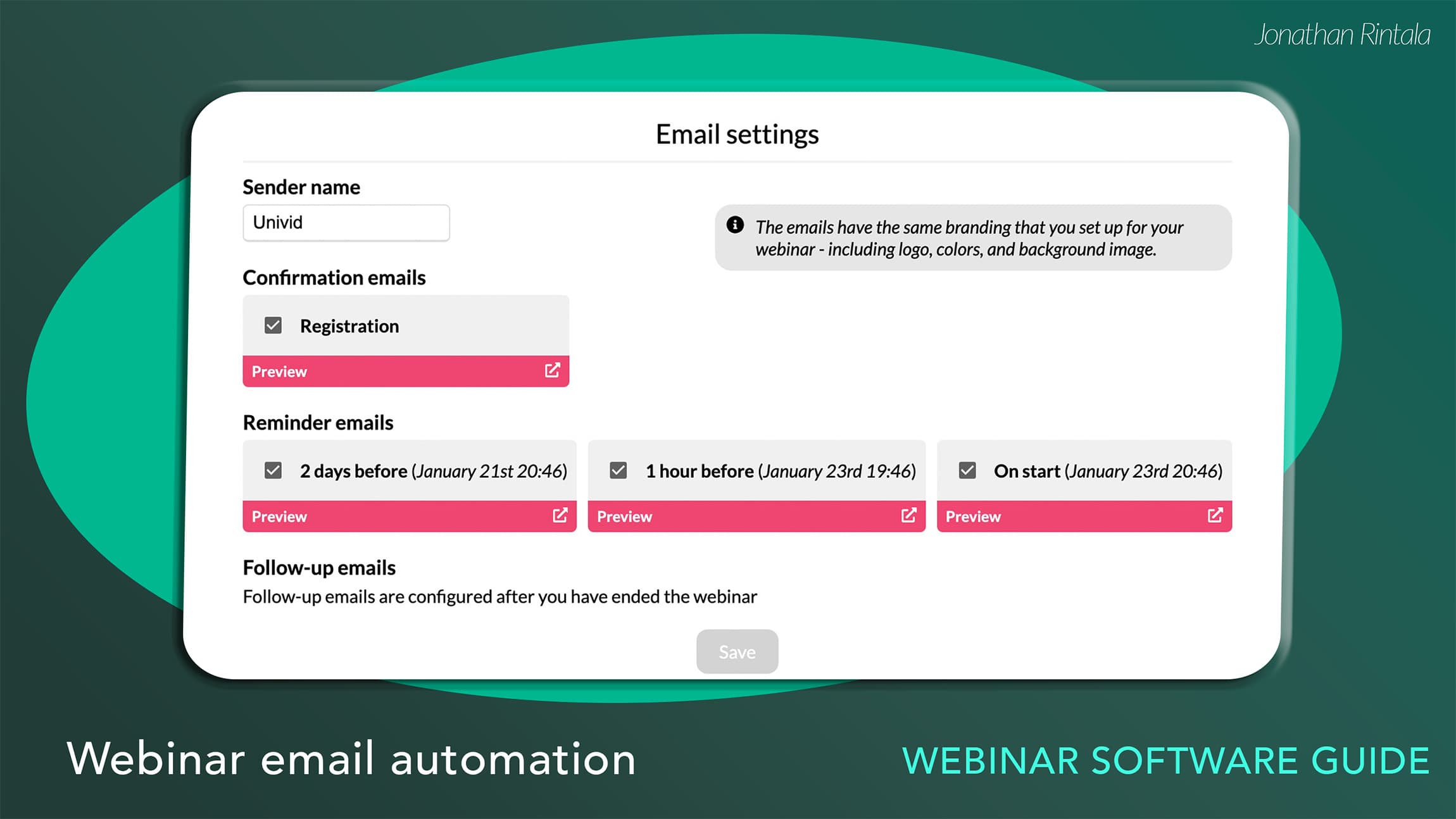
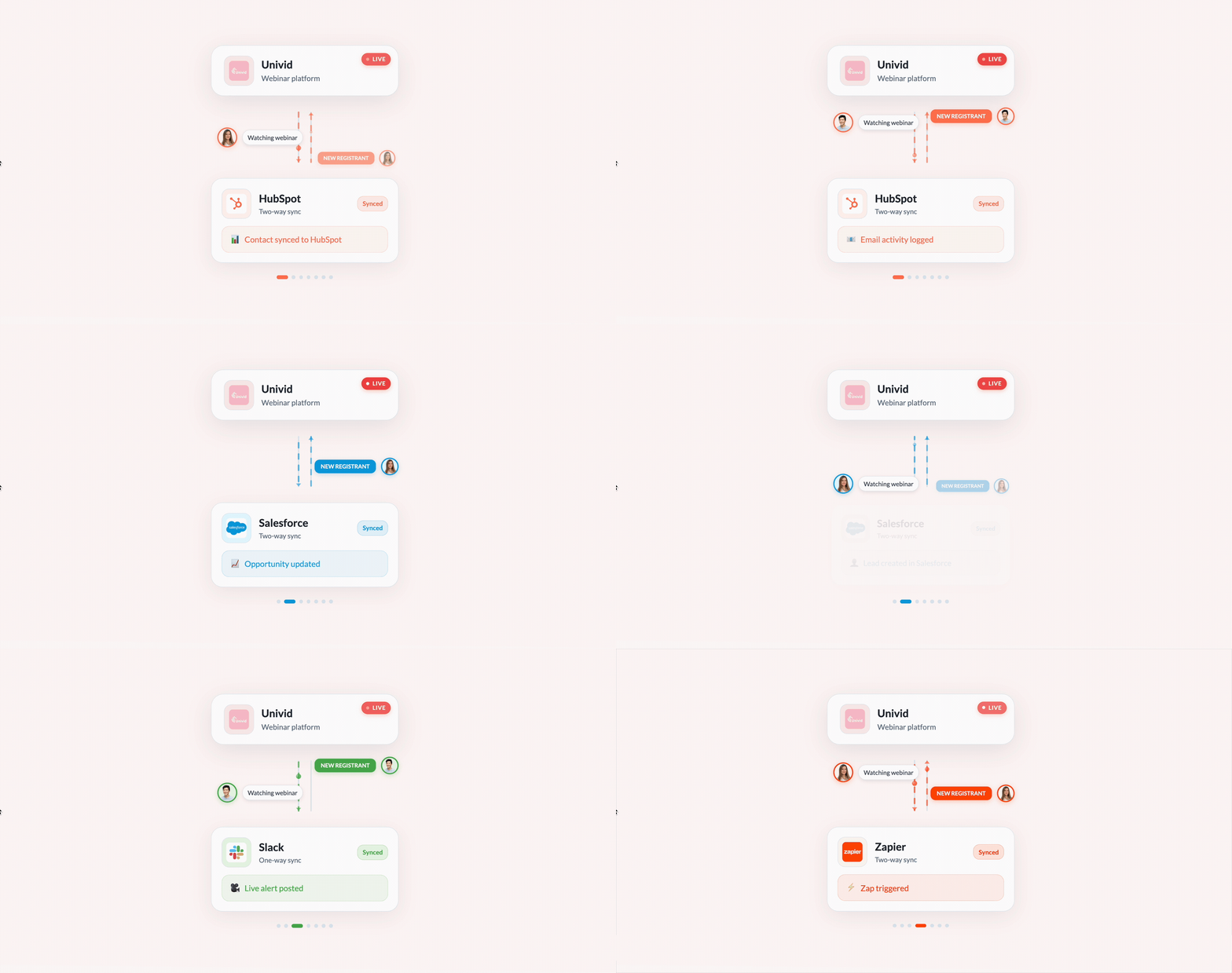
Also, the webinar tool should ideally connect natively to your CRM to run things on your own from there (HubSpot, Salesforce, Pipedrive, etc). This should be real-time two syncs that support both registering attendees to the webinar platform, sending your own custom reminder emails (enterprise), and getting engagement data back to segment, ping sales, and follow up accurately.
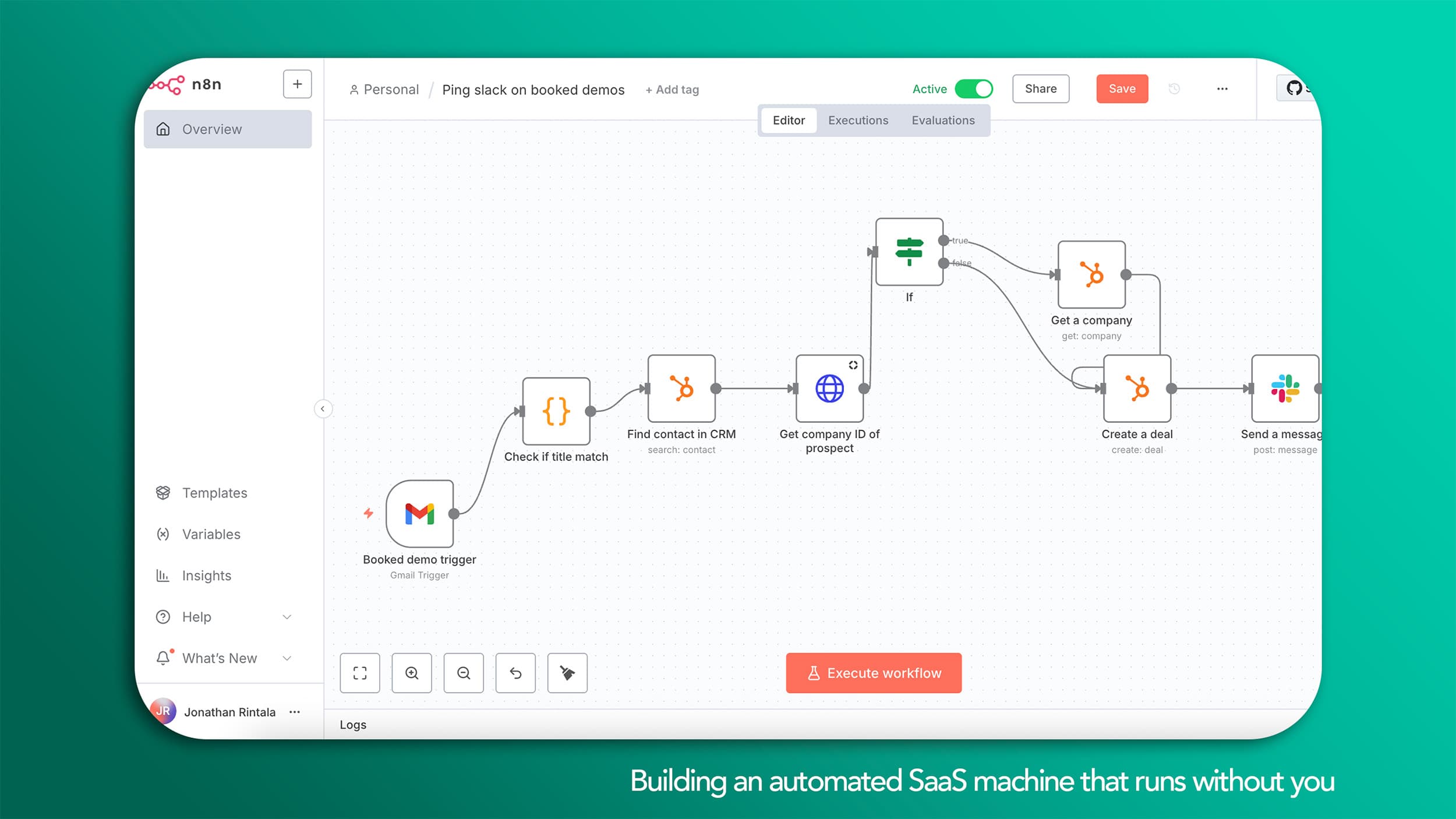
Preferably offering a custom API as well, where you can build your own webinar automation over time - for example, to create a new webinar, get attendee data, or build AI workflows with the webinar data using tools like n8n, Claude, GPT, or Zapier.
4. ✅ Depth of engagement insights
Goal: identify the right opportunities from the webinars, measure ROI, and pass lead signals onwards.
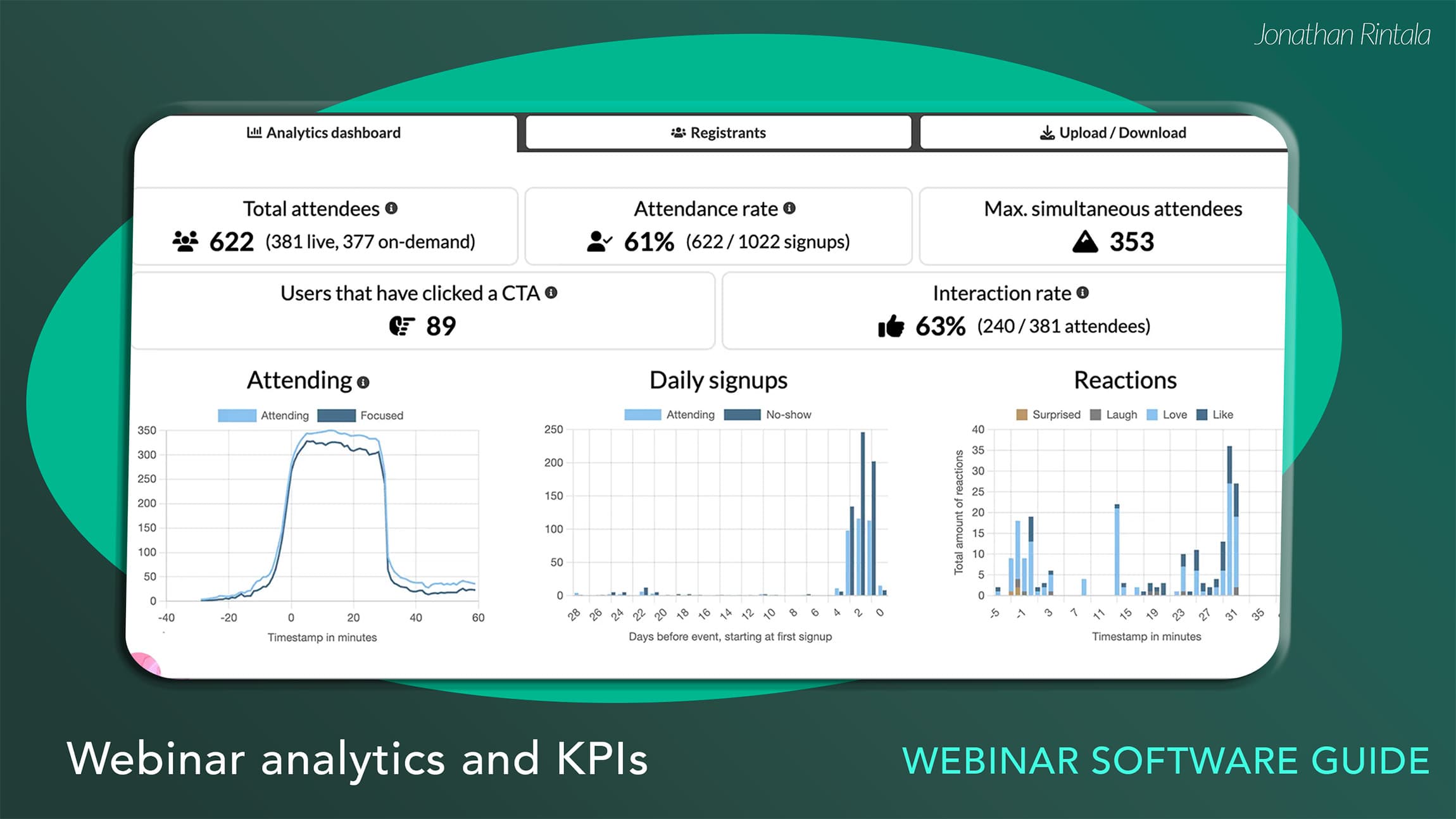
Make sure you don't just track attendees and no-shows. You want to get down to the details and understand if you can get lead signals like:
who clicked your live CTA to download the e-book
who only stayed for under 1 minute vs. who watched more than 70% of the webinar
who signed up to watch a webinar on demand 2 months later
This data enables you to use webinars as a growth machine, and follow up with the right people at the right time - and it does not stop after the webinar is finished.
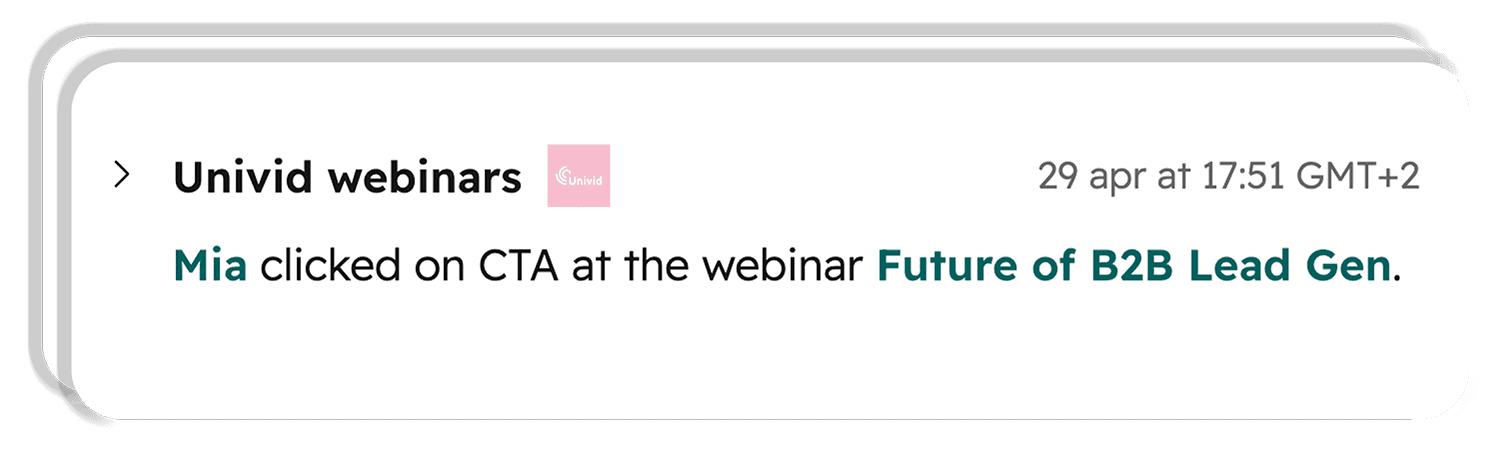
Example: get a ping on Slack in your #sales channel when someone registers for a webinar on demand.
These are things that reduce real friction from hosting, remove stress from going live, and allow the webinars to move real business outcomes and ROI.
This guide will go through the different types of webinar platforms and give you an actionable checklist based on +5 years of experience hosting 1000s of webinars. Let's go.
3 Types of webinar software
There are three types of software used to host webinars: the meeting software, dedicated webinar platform, and open streaming platform.
1. Meeting software
Best for:
Internal meetings
Workshops
Team collaboration
Strengths:
Easy to use
Familiar interface
Great for interactive discussions
Limitations:
Registration and branding
Webinar automation
Replay experiences
Marketing analytics
Examples:
Zoom
Google Meet
Microsoft Teams
2. Dedicated webinar platform
Best for:
Thought leadership
Demand generation
Marketing
Product demos and customer onboarding
Automated webinars
Strengths:
✅ Conversion-focused attendee experience
Designed to maximize registrations and attendance with branded landing pages, reminders, and frictionless joining. No downloads, and no additional logins after registering to join.
✅ Professional webinar workflows
Built for webinars from start to finish, including registration, reminders, hosting, follow-ups, and replay. Branded from start to finish.
✅ Less admin for hosts
Automates repetitive tasks like reminders, recordings, moderation, and managing recurring webinar series.
Also, production is controlled when live, and you don't have to mute guests, and get a clean webinar recording.
✅ Audience engagement
Interactive features such as polls, Q&A, chat, and live CTAs to help keep attendees engaged and drive next steps.
✅ Automation and integrations
Connects with CRM and marketing systems to automate follow-ups and webinar operations in the backend.
✅ Rich attendee insights
Rich attendee and engagement data that automatically goes into the CRM system. No painful manual hours or guesswork from the marketing team, and no Excel.
✅ Replay and on-demand experiences
Turns webinars into evergreen assets with branded replay pages and ongoing lead generation opportunities. Good quality recording that can easily be repurposed.
Limitations
An additional tool alongside your meeting software
Premium platforms may cost more.
Best suited for teams running webinars regularly rather than occasional internal meetings.
Examples:
Univid
GoToWebinar
3. Open streaming platform
Best for:
Public events
Brand awareness
Community building
Maximum reach
Strengths
Big audience reach.
Easy content distribution.
Low cost.
Limitations
Limited registration capabilities.
Don't know who was there or how the attendees engaged - so can't follow-up, nurture, or measure
Limited interaction.
Can involve ads and recommend competitor content
Minimal automation for B2B marketing workflows.
Examples:
Which webinar software is right for you?
After hosting 1,000s of webinars, I don't think there's a single "best webinar software". The right platform depends on what role webinars play in your business.
Goal | Best fit |
|---|---|
Internal meetings | Meeting software |
Public broadcasts to 1000s | Streaming platform |
SaaS marketing | Dedicated webinar platform |
Customer onboarding | Dedicated webinar platform |
Automated webinars | Dedicated webinar platform |
If webinars are primarily for internal collaboration, meeting software is often enough.
If webinars are an important part of your go-to-market strategy, customer onboarding, or product marketing, I'd look at modern webinar platforms like Univid, built around those use cases - where you get automation to admin efficiently, branding, engagement, and can drive next steps with CTA:s, as well as data on who attended into your CRM.
Univid was built primarily for B2B teams scaling webinars as a marketing, onboarding, and growth channel - and it's become one of the top-rated webinar platforms on G2 (4.8/5) and HubSpot Marketplace (5/5).
My Webinar Software Buyer's Checklist for 2026
Who is it for: Who is this for? This checklist is for any B2B company, SaaS team, organization, marketer, or enterprise buyer looking to run and scale webinars in 2026.
Maybe you're already hosting webinars in a meeting tool like Zoom, Teams, or an older platform like GoTo Webinar and are looking to take your webinar program to the next level.
After hosting 1,000s of webinars and working closely with B2B marketing teams over the past five years, these are the seven criteria I'd personally use when evaluating webinar software today.
Before signing an expensive annual contract, or even starting a free trial, I'd make sure I can confidently tick off each of these boxes:
□ Easy for hosts and guest speakers
□ Branded registration and attendee experience
□ Going live and engaging the audience
□ Webinar automation and AI workflows
□ CRM integrations and attendee data
□ Replay and video repurposing
□ GDPR & compliance
Now you have the 7 criteria to look for when choosing webinar software. Let's wrap things up!
Conclusion
After working with webinars daily for more than five years, I've become convinced that the best webinar software isn't necessarily the platform with the longest feature list.
The biggest mistake I see companies make is treating webinars like larger meetings instead of a repeatable growth channel.
The right webinar platform should make it easier to build a repeatable webinar playbook that helps you:
attract attendees
engage your audience
automate repetitive work
understand what works
and keep improving your webinar strategy
If webinars are an important part of your GTM strategy, product marketing, or customer education, those capabilities matter far more than looking at individual features.
At the end of the day, webinar software shouldn't just help you host a webinar.
It should help you build a repeatable system for educating, engaging, and growing your business.
The best webinar software isn't the one with the most features- it's the one that makes webinars a repeatable growth channel for your company.
Next step: Learn how to host a webinar [VIDEO]
How to host a webinar in 10 steps. Get more customers for your SaaS using webinars as a growth channel in 2026. This guide is based on real life examples and learnings from hosting 100s of webinars.
Watch the video guide, where I take you through how to create webinars like the best in 10 steps below:
What is a webinar?
A webinar is an online event that allows attendees from anywhere in the world to engage and learn around a topic.
Webinars often consist of a panel of a few speakers (visible in the video) and a larger audience (not visible in the video). This is commonly referred to as a "one-to-many" live stream. Engaging the audience is important to keep attention and increase webinar conversion rates - this is typically done through live chat, Q&A, polls, and live reactions.
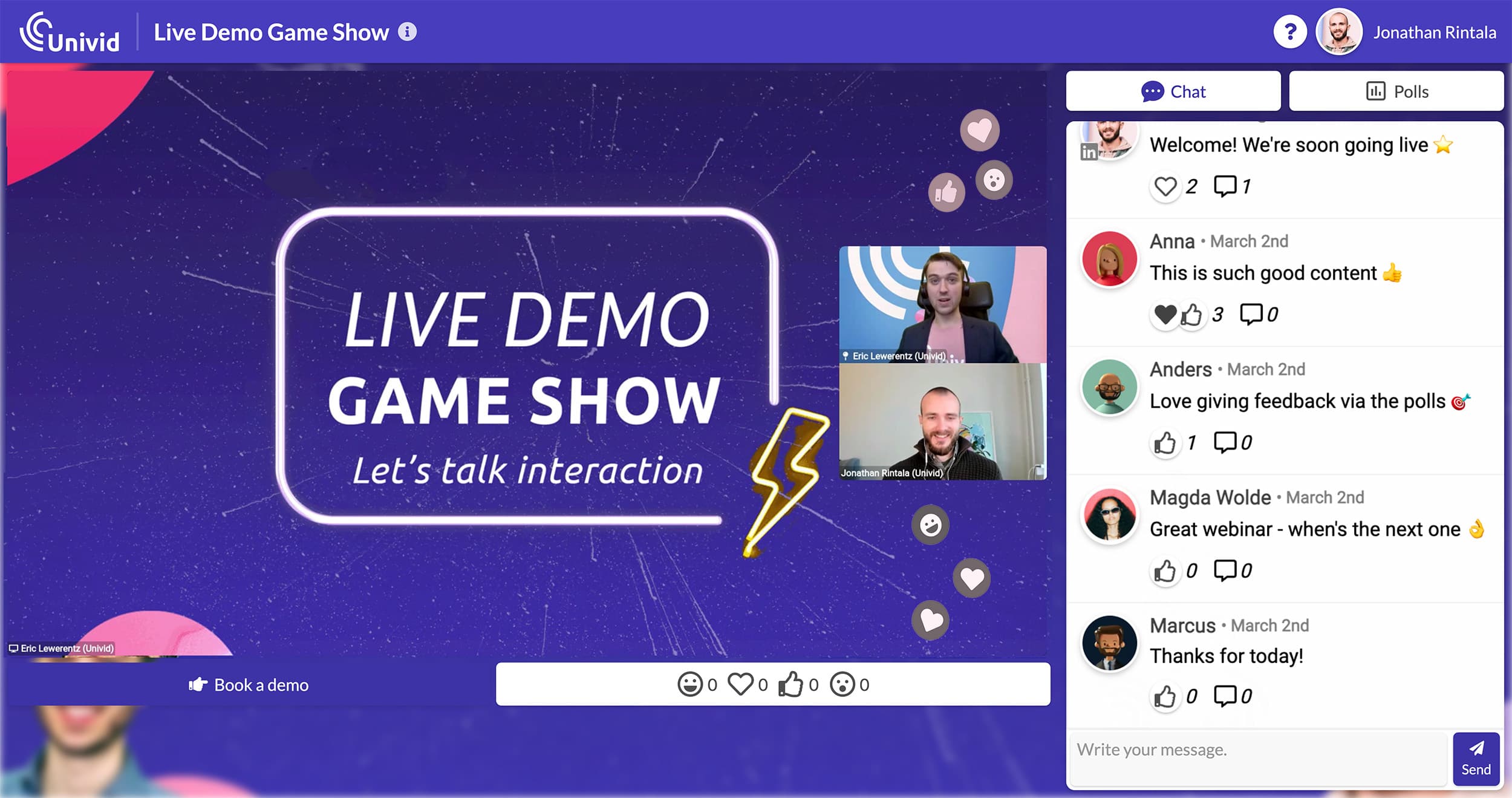
Example of me hosting a live webinar in the Univid webinar platform - with engagement